5.3. How to Register Attendance
Here is how to record attendance on Moodle.
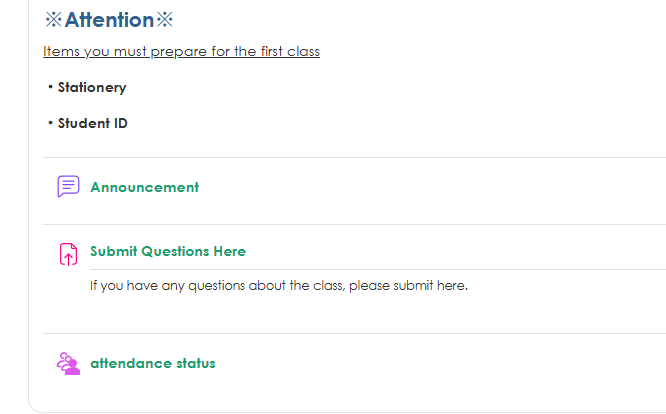
1. Select the Attendance module.
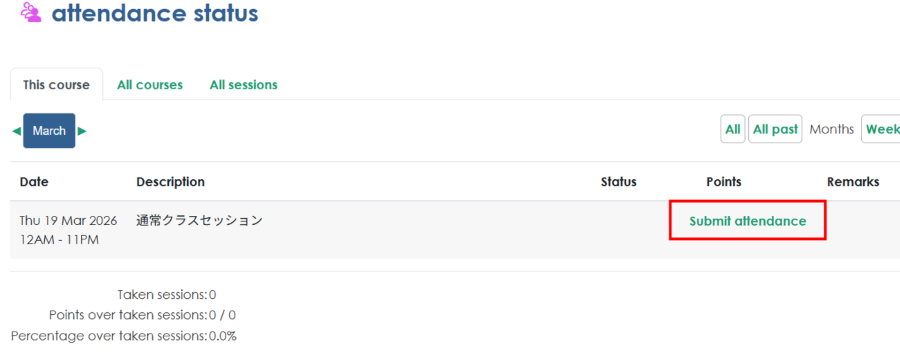
2. Click "Submit Attendance" in the session where you want to register your attendance.
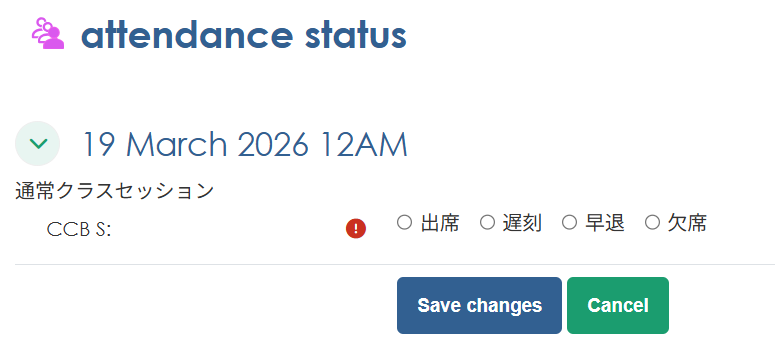
3. Select your attendance status and click "Save changes" Depending on the class, you may be required to enter a password when registering your attendance.
Depending on the settings for each class, you may be required to scan a QR code instead of entering a password.