3.4. How to Submit Reports
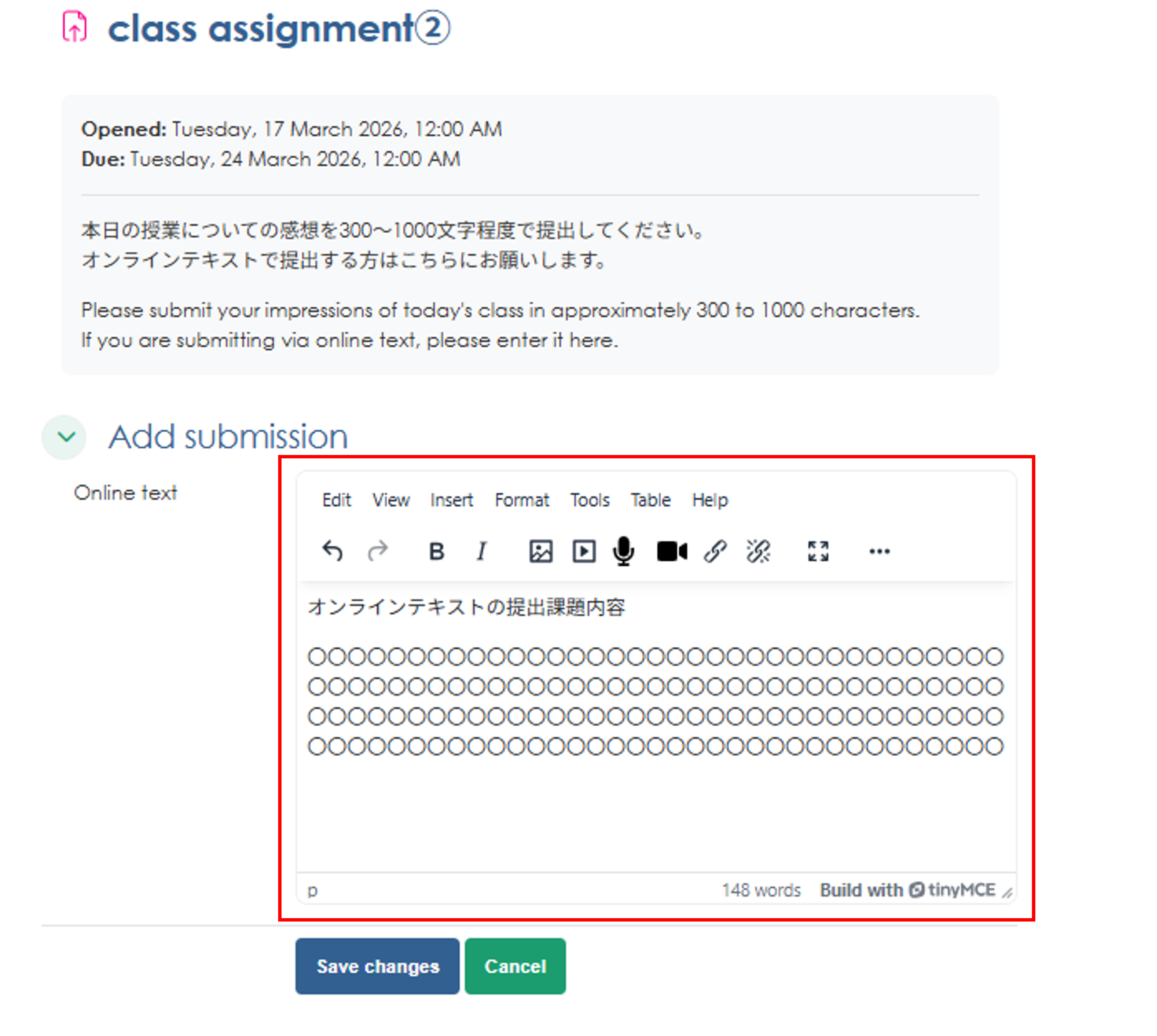
Use the "Assignments" module to submit course reports and projects. You can submit them by uploading a file or by typing your response directly into the online text field.
How to Submit Assignments
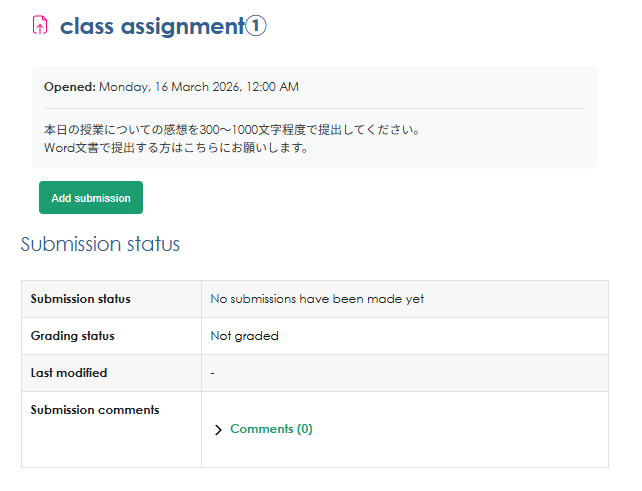
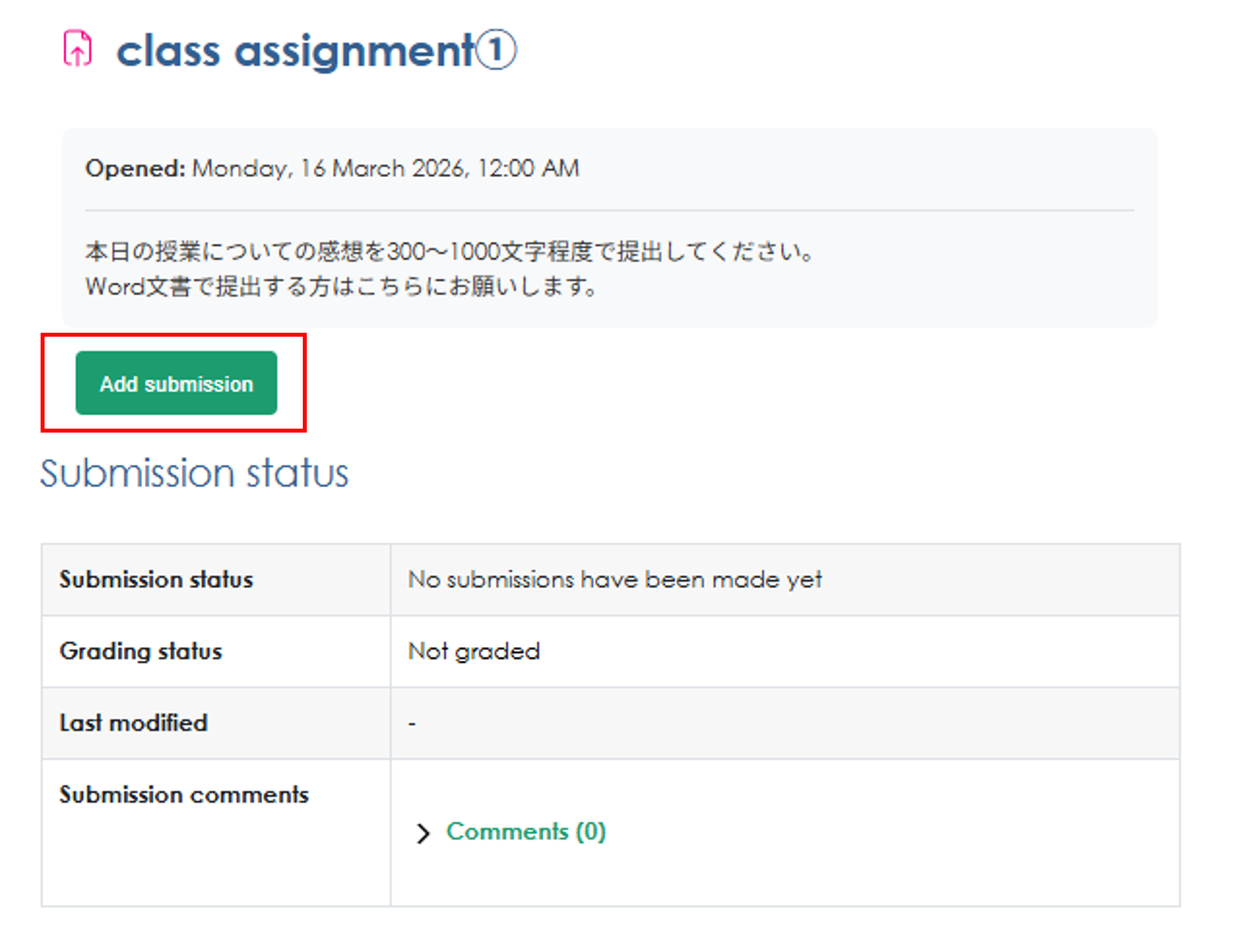
1. Go to the assignment page and click "Upload or enter your submission."
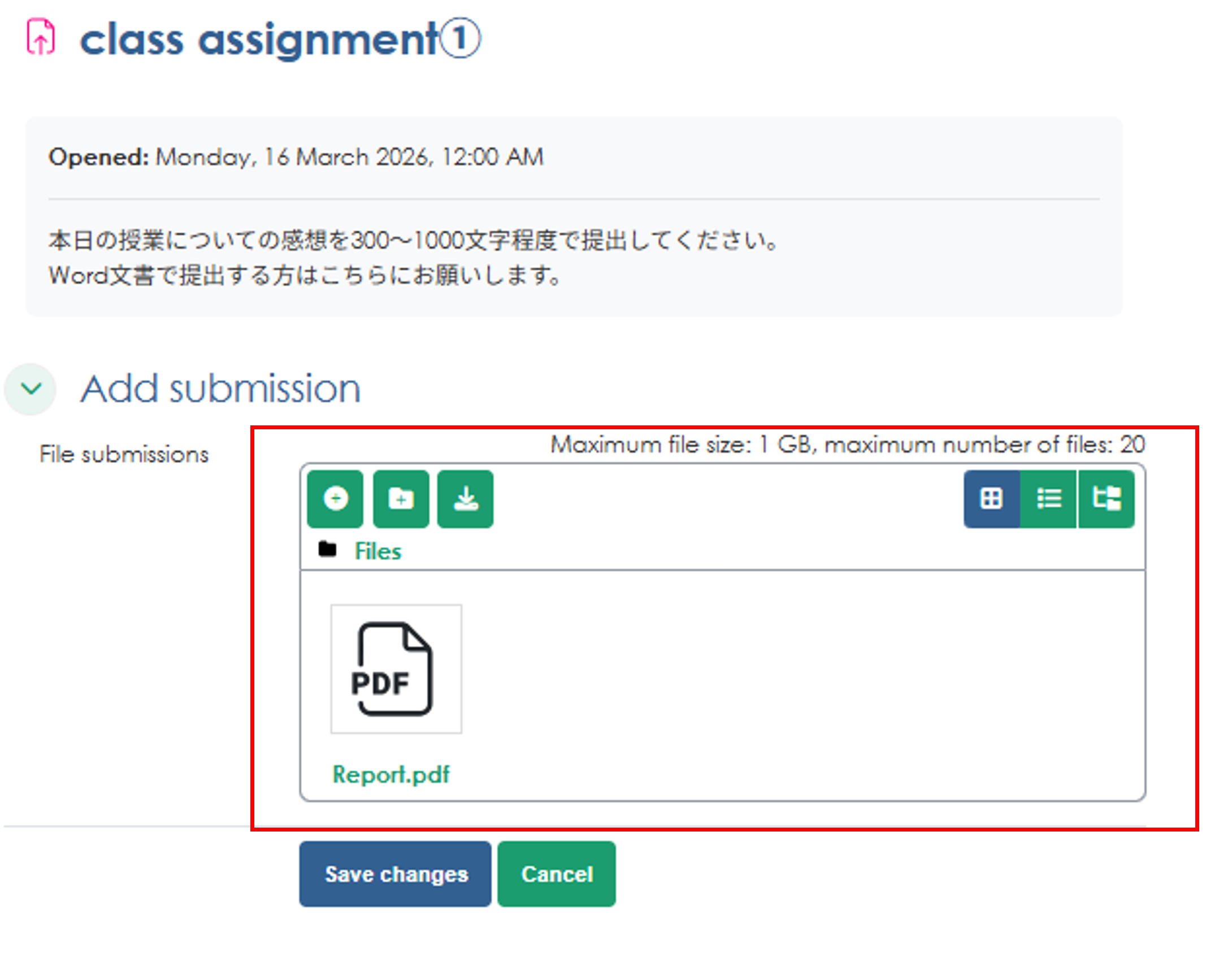
2. Submit your assignment. Please check for any specific instructions regarding submission.
To upload a file, either drag and drop it or select the file, then click "Submit"
For online assignments, enter the assignment details in the text box and click "Submit"
*You may be asked to sign a consent form at the time of submission.
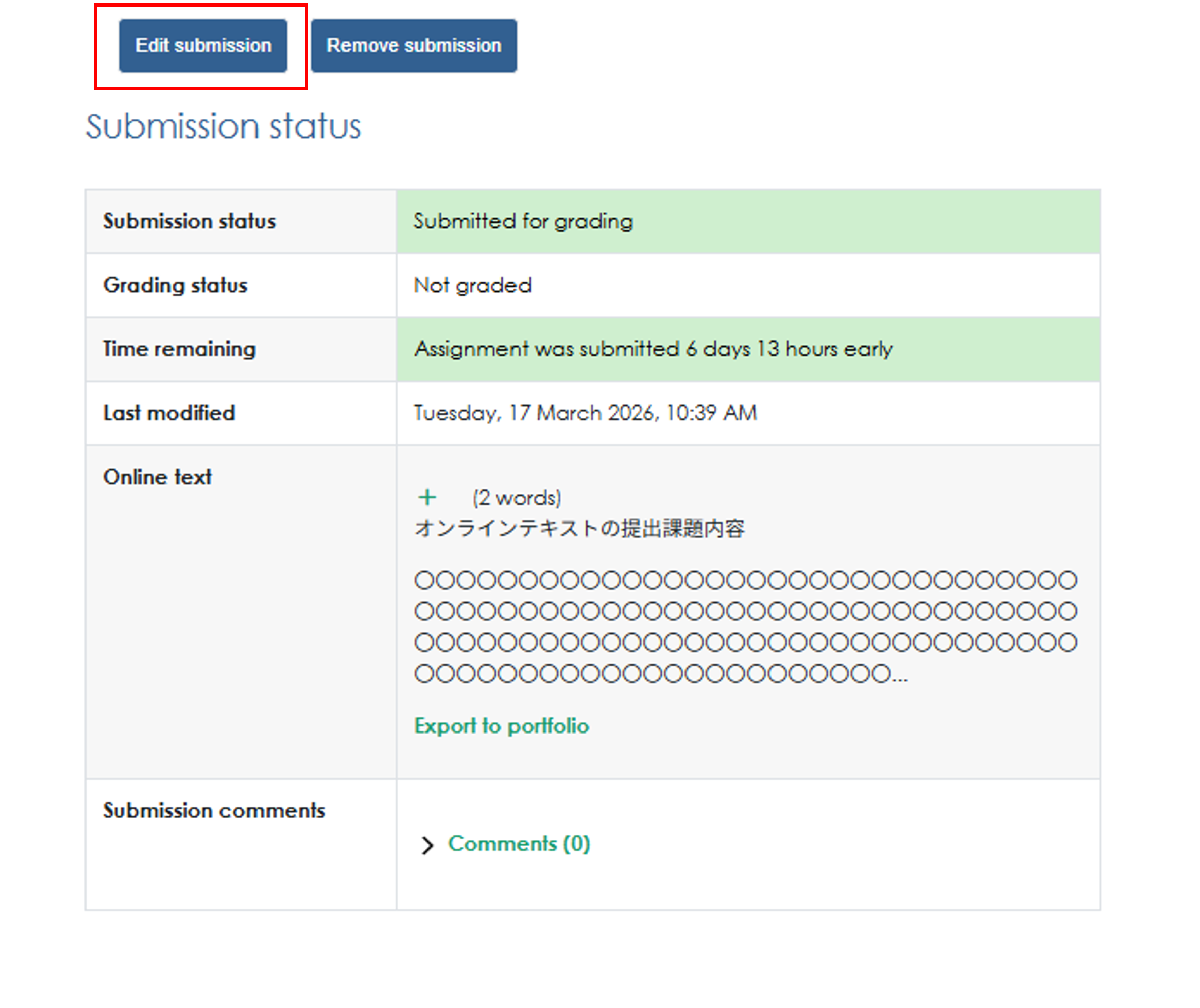
3. You will be taken to the submission confirmation screen. At this stage, your submission is in draft form. If you have no corrections to make, click "Submit assignment" to complete the submission.