5.11. How to Use the Workshop
What is a workshop?
This is a learning resource in which students submit assignments based on a given theme and evaluate each other's work.
You can learn how to prepare your assignments from the evaluator’s perspective.
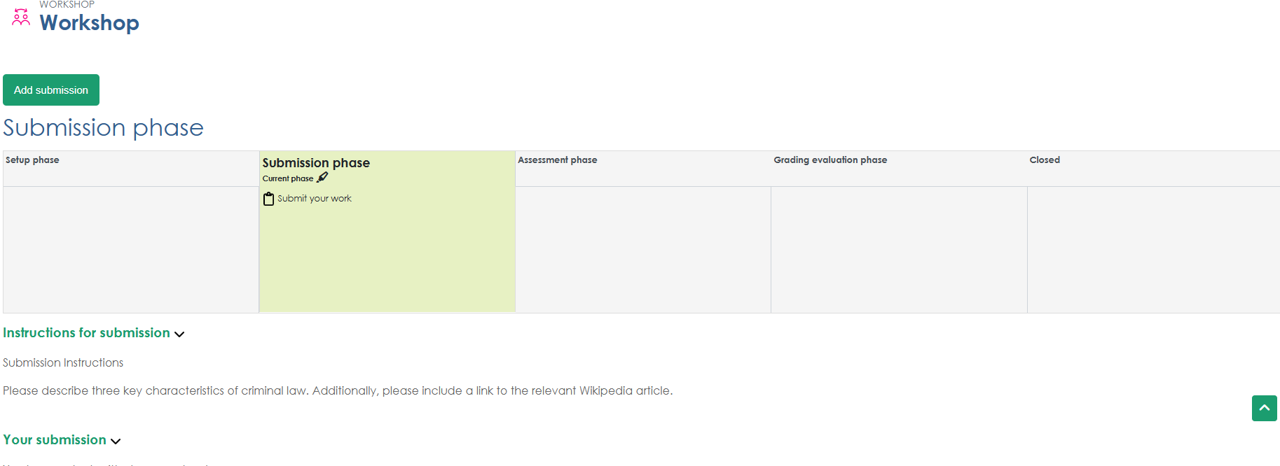
How to Use the Workshop
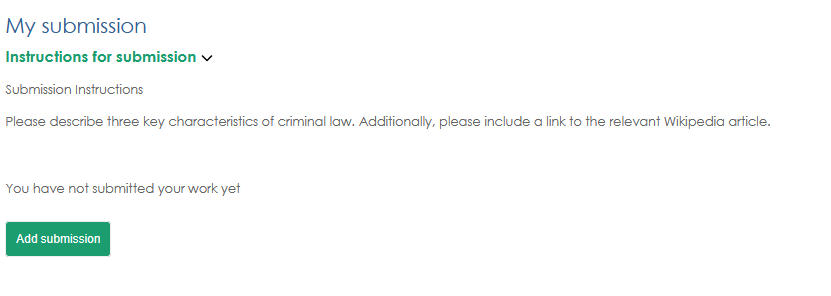
1. Once you have navigated to the workshop page, prepare your submission according to the "Submission Instructions" (Submission Phase). Click "Start preparing your submission."
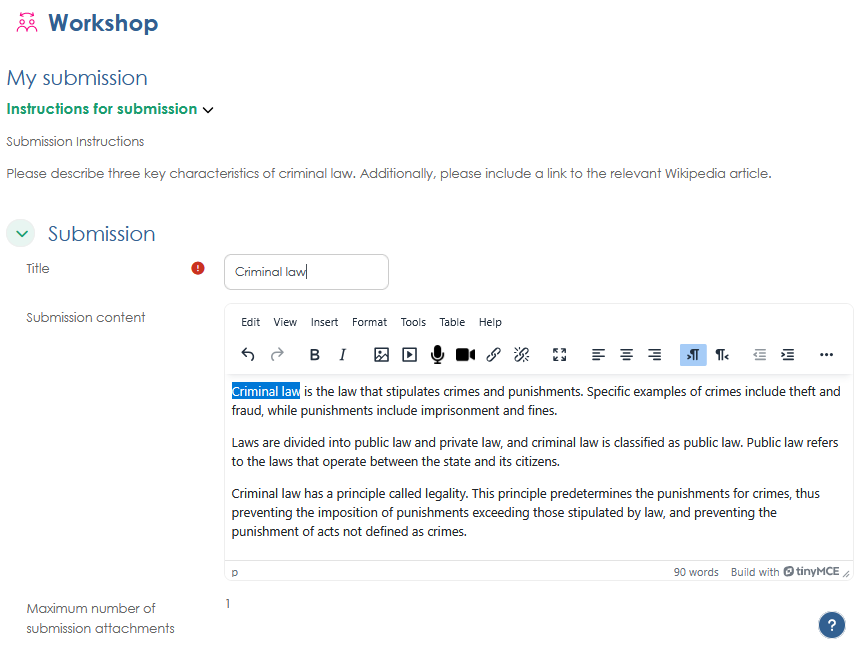
2. Prepare your submission according to the submission instructions. Once you have finished entering your content, click "Save changes" to complete the submission.
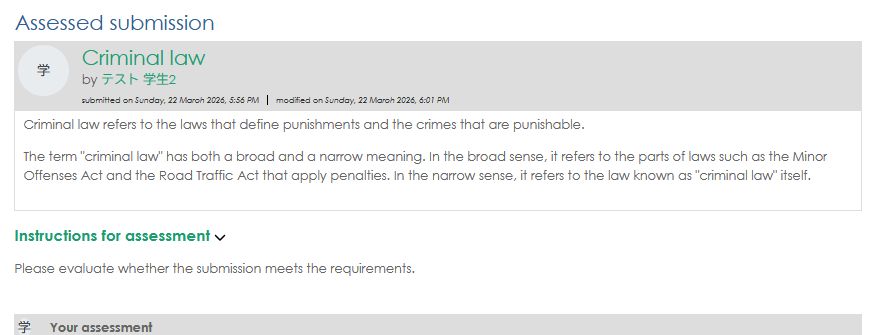
3. After the submission period ends, evaluate the submissions made by other users (Assessment phase). Refer to the evaluation instructions, then click "Assess" next to any users who have not yet been evaluated.
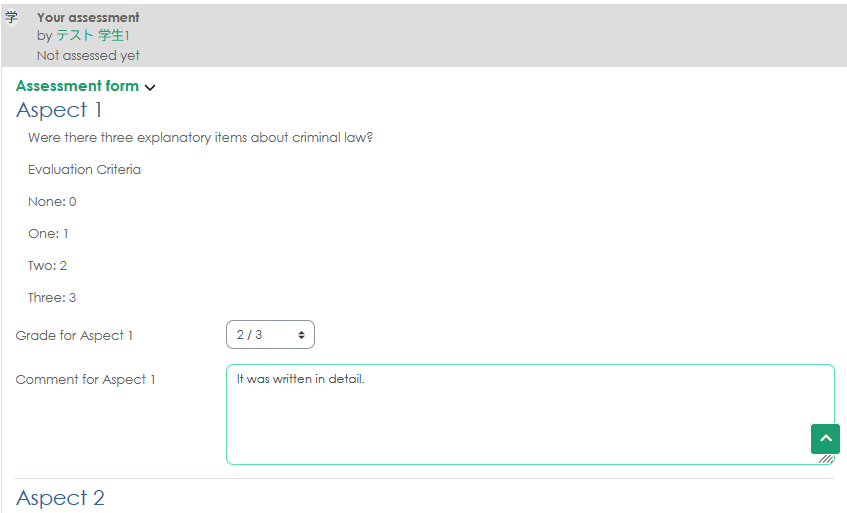
4. Add a rating, comments, and overall feedback for each "Aspect" in the evaluation form. Once you have finished entering your information, click "Save"
5. After the evaluation is complete, the instructor will review the final scores, and the workshop grade will be determined.