5.6. How to Use Chat
What is Chat?
This feature allows you to create a chat room within the course and interact with participants in real time. You will not receive notifications when new posts are made.
How to Use Chat
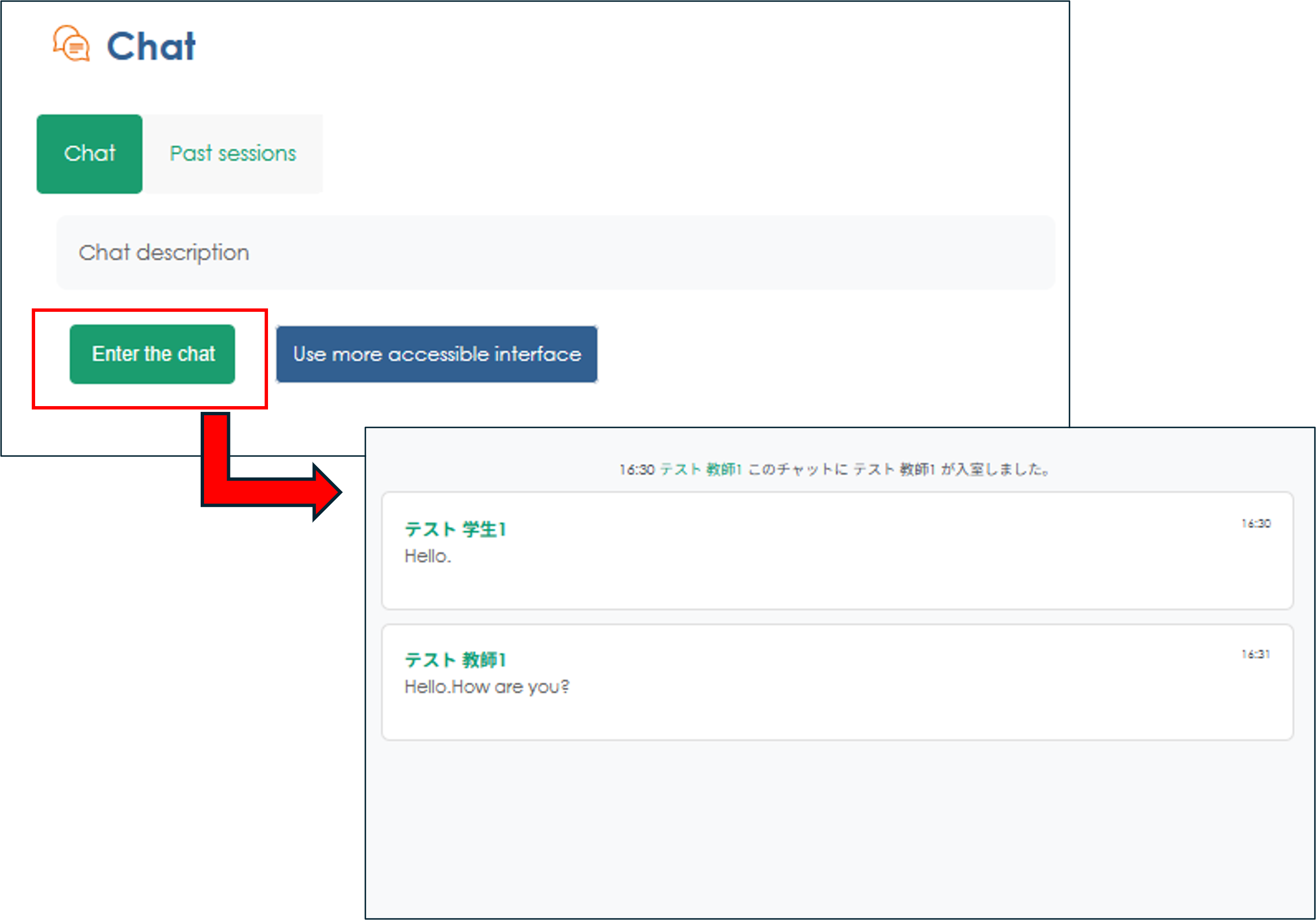
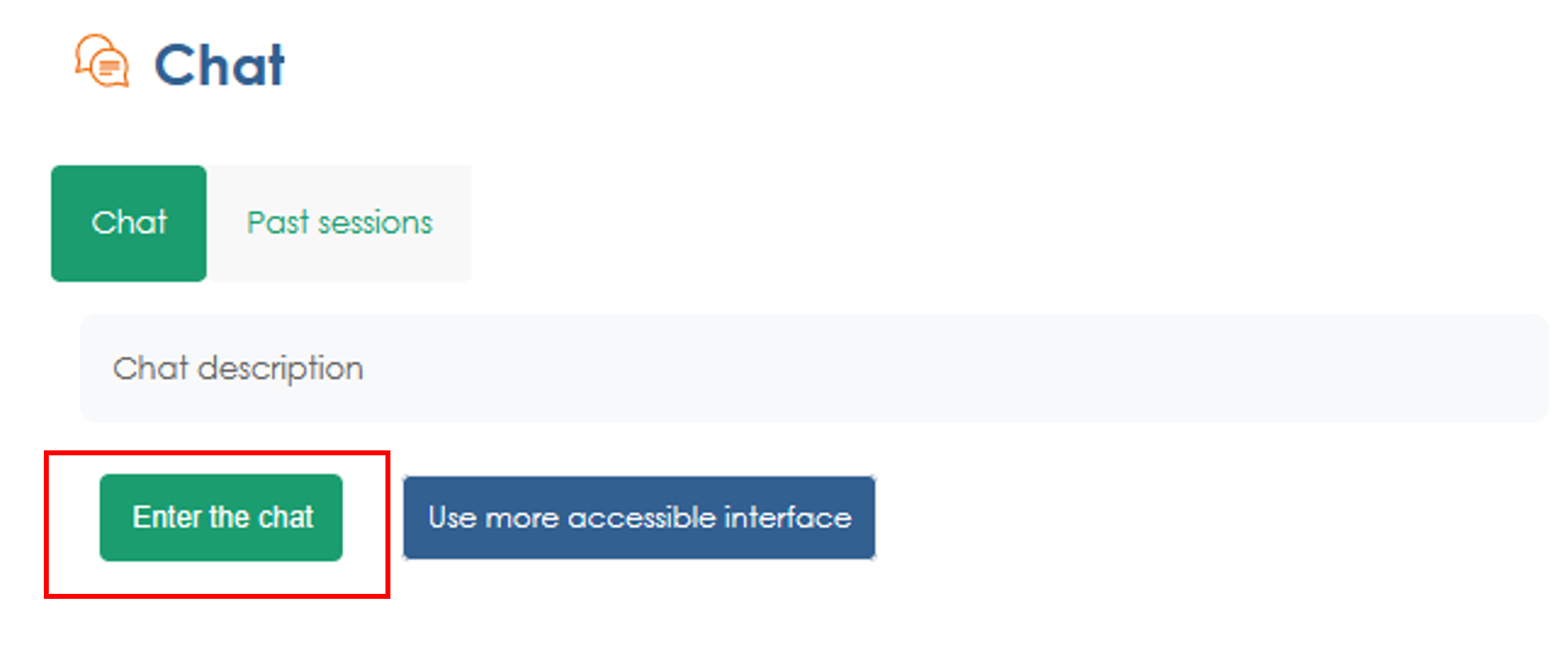
1. Click "Enter the Chat."
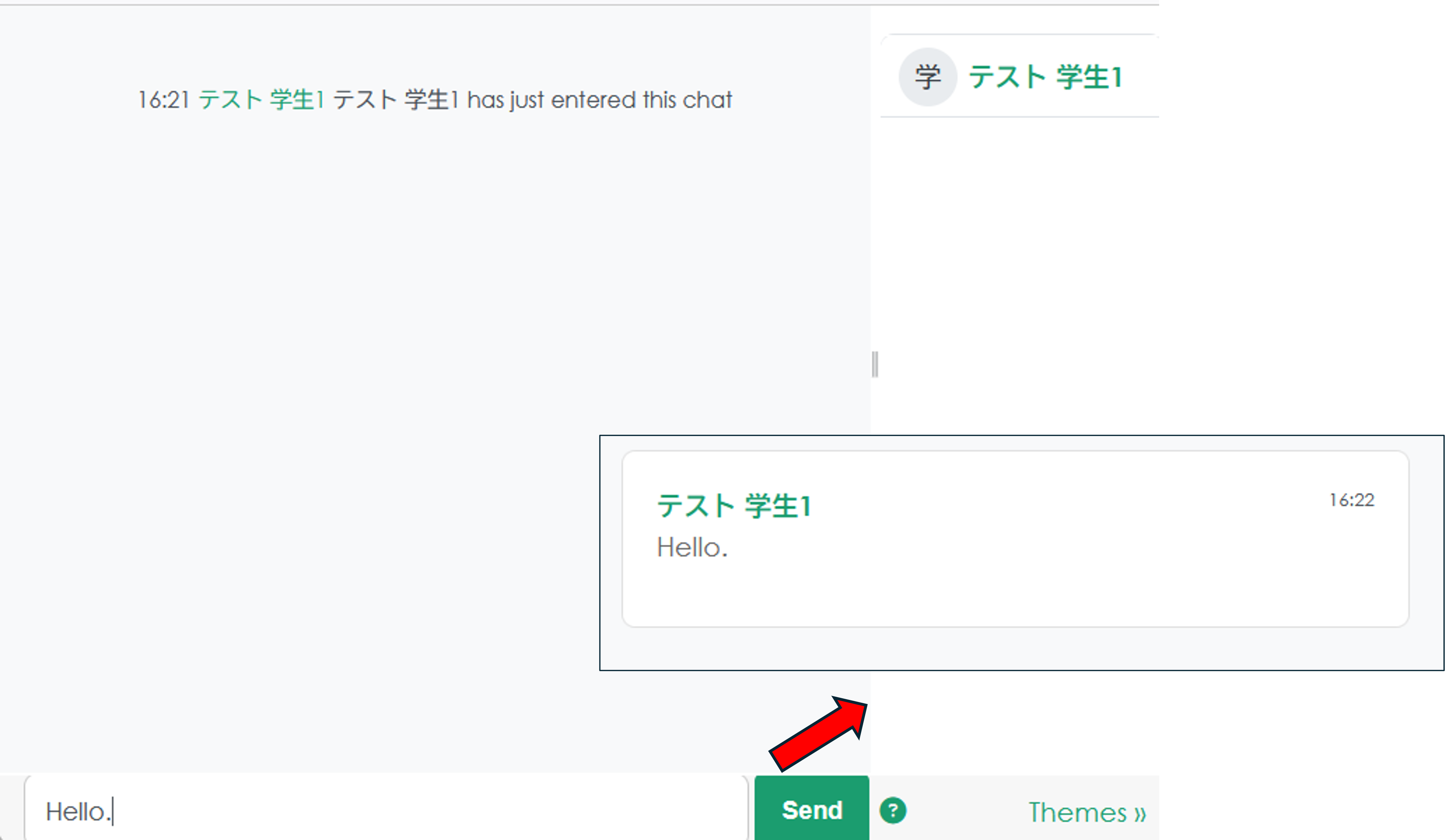
2. Once you've entered the chat room, type your message in the text box at the bottom left and click "Send" to post it in the chat.
3. Click "Use more accessible interface" to change the chat display format.
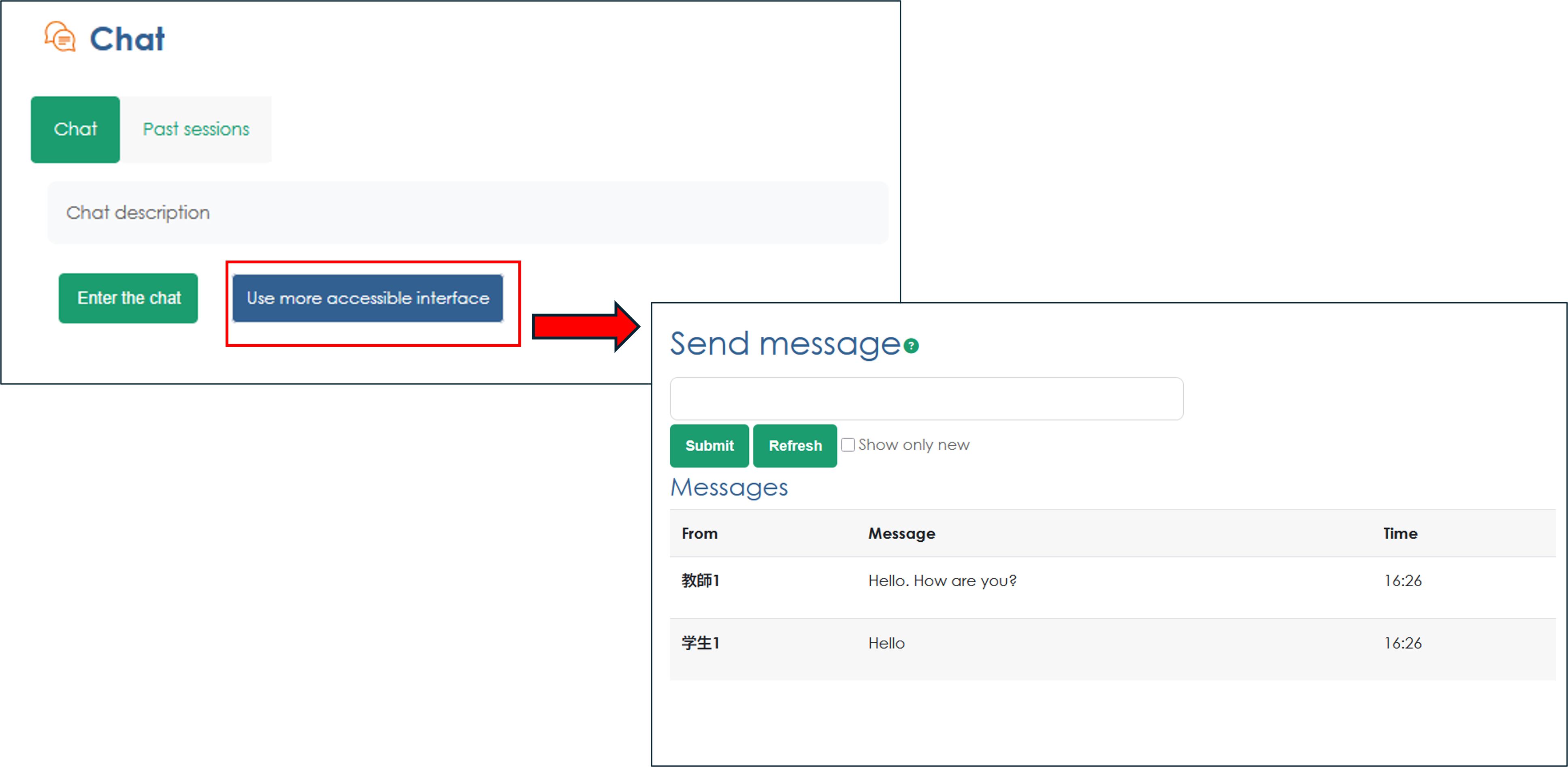
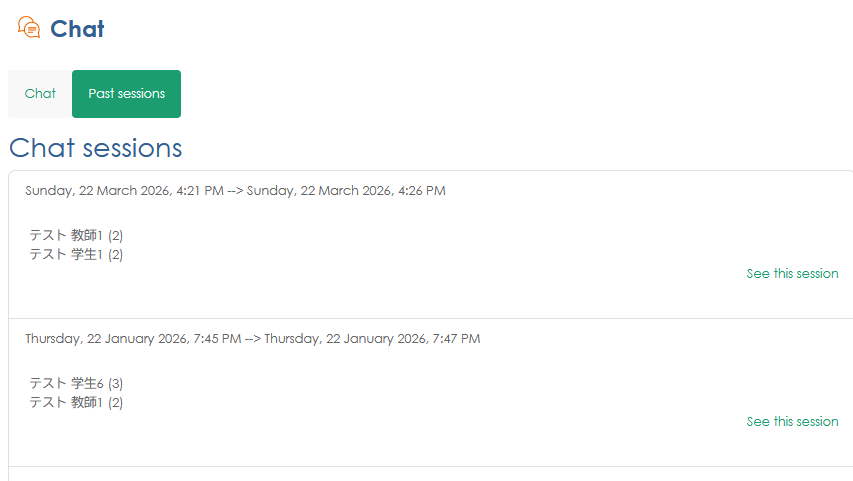
4. To view past chat sessions, click "Past sessions"