5.9. How to Use the Forum
What is a forum?
This is a bulletin board feature that allows students to ask questions of the instructor or interact with one another within the course. One of the forum types is the "Announcement" feature. Announcements are used when instructors need to communicate with the entire course. You cannot reply to announcements.
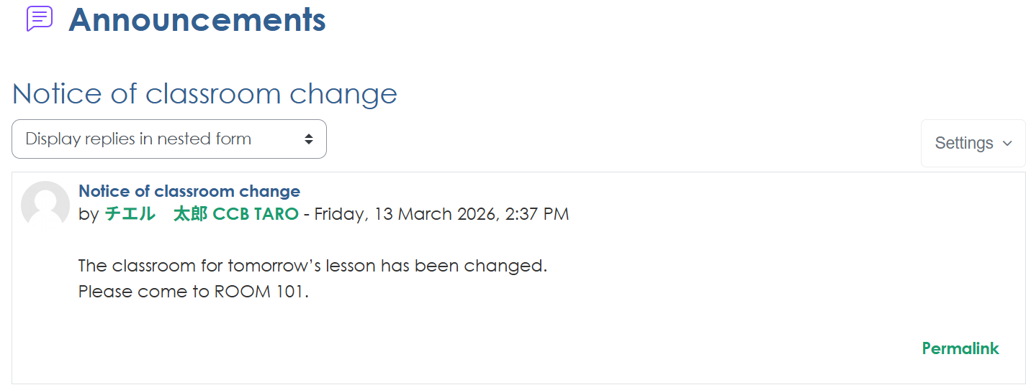
How to Use the Forum
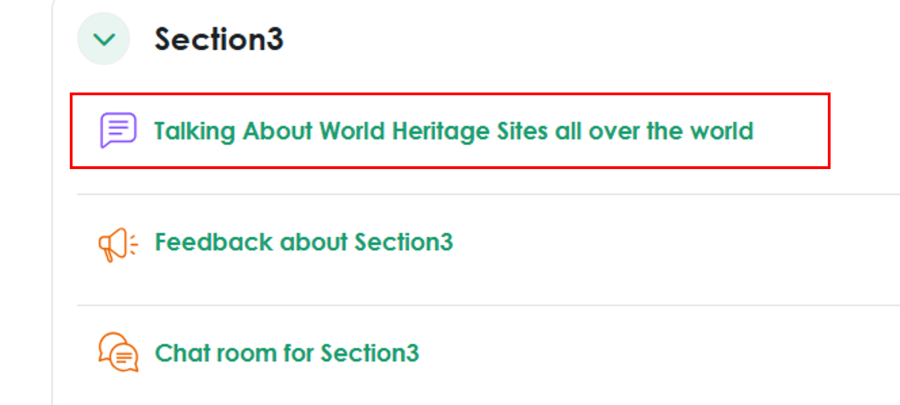
1. Click on the forum located within the course.
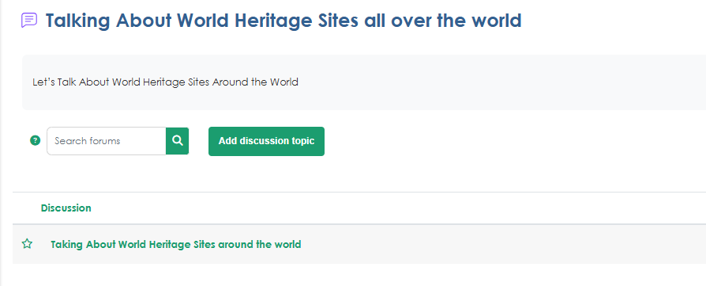
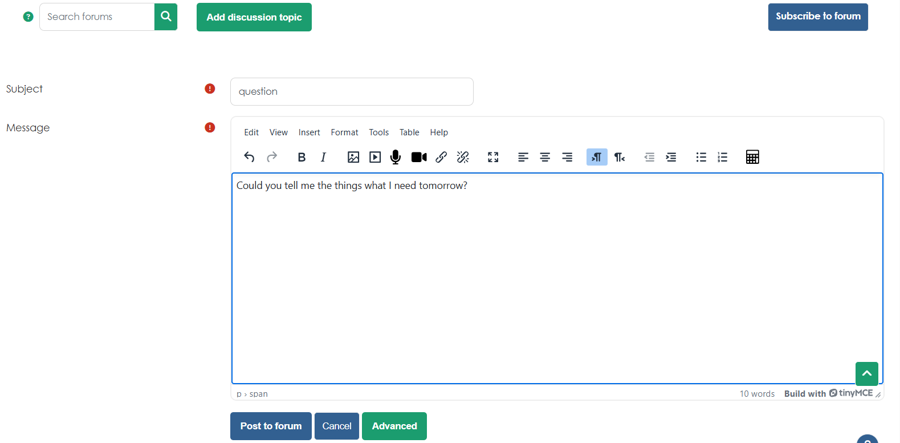
2. Click "Add discussion topic"
*Please note that depending on the type of forum, you may not be able to add topics.
3. Enter the topic content, then click "Post to forum" at the bottom of the page.
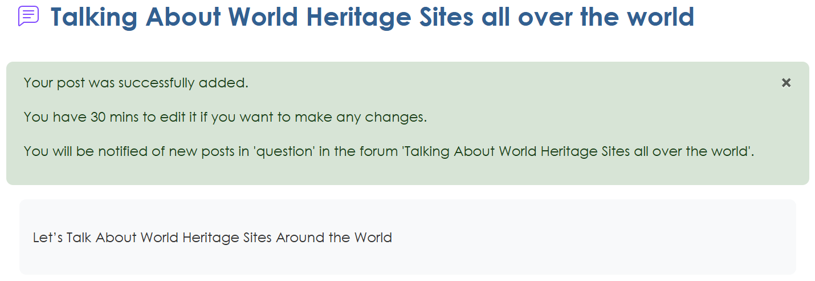
4. Once the post is complete, a message like the one below will appear.
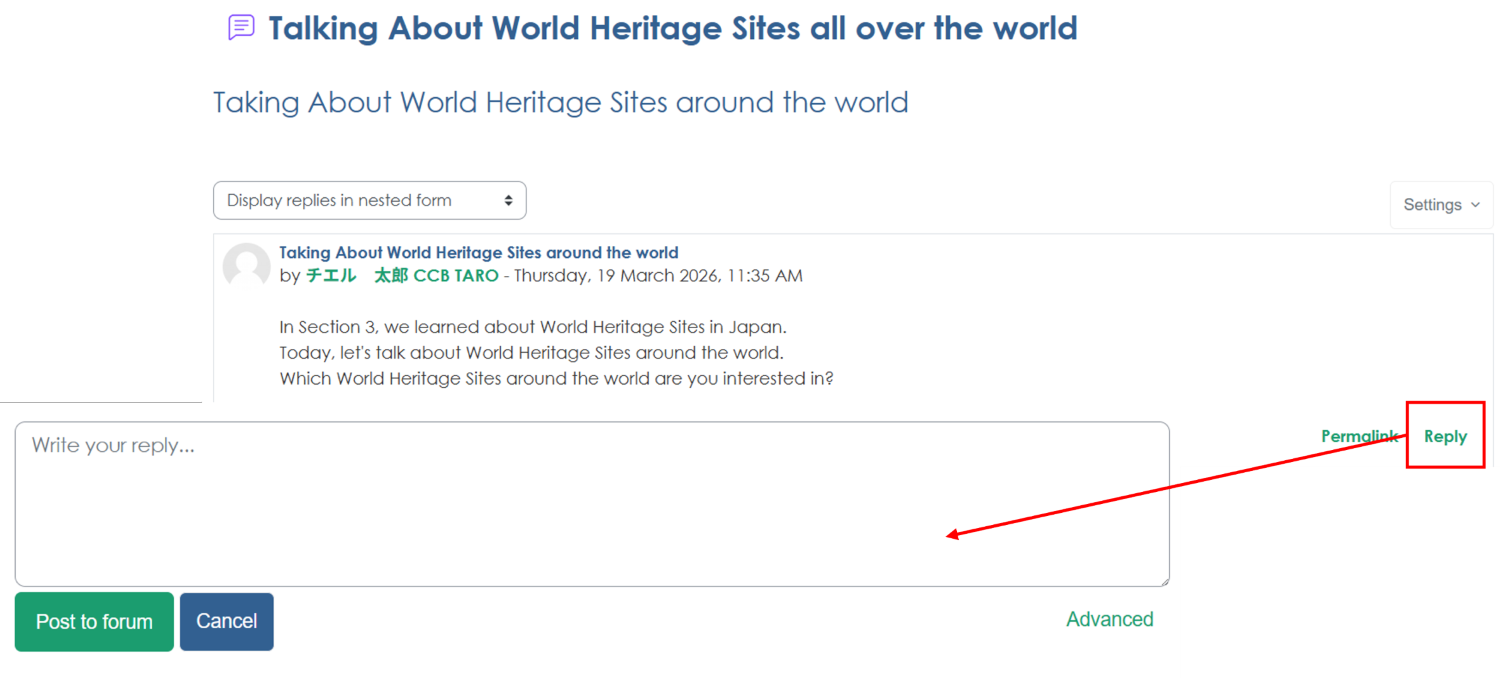
5. To reply, click the topic you want to reply to.

6. Click "Reply" enter your post, and then click "Post to forum"