1.2. Description of the Page After Login
My Courses
This is the page that appears after you log in. It displays a list of the courses you are enrolled in.
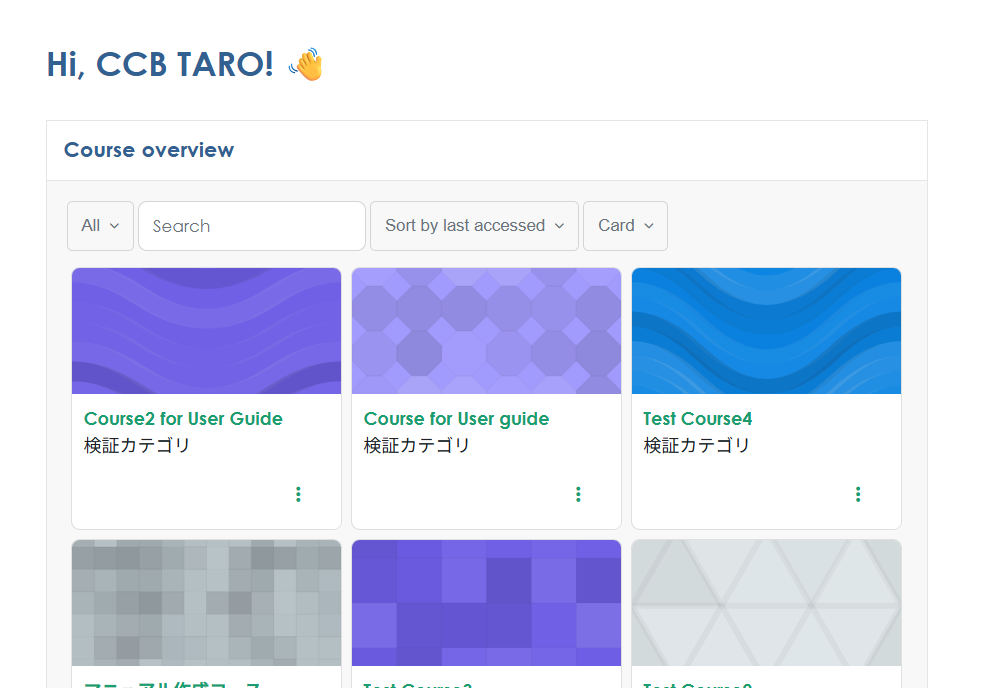
Within My Courses, you can sort courses, search, reorder, and change the display format.
Dashboard
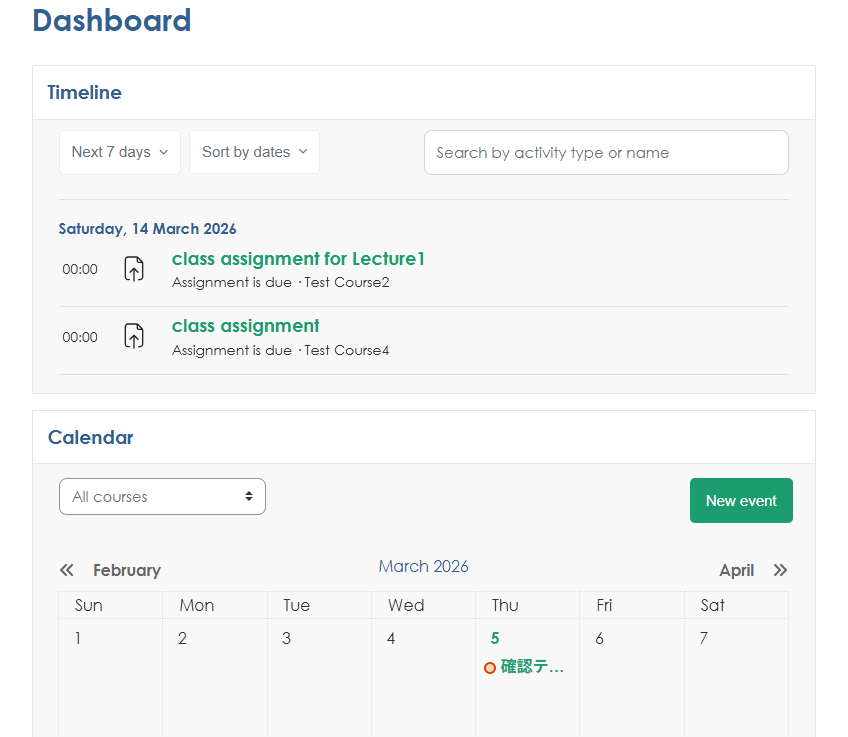
This is a page where you can place selectable items—such as calendars and course deadlines—as blocks and customize them yourself.
Home
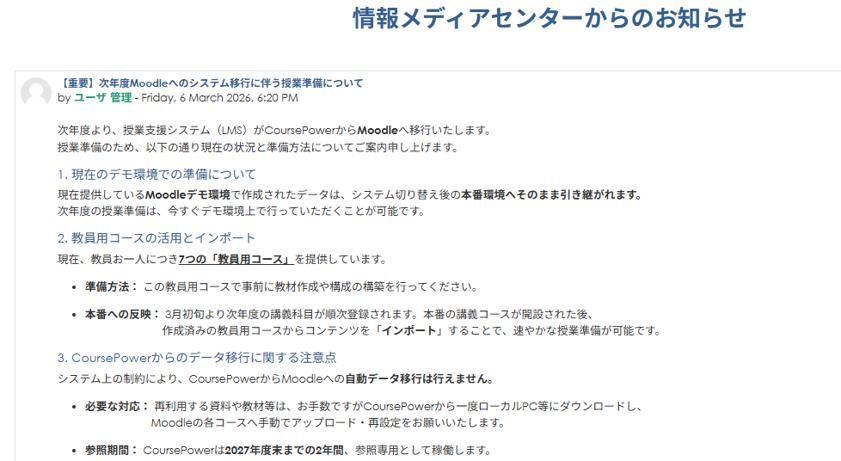
This is the homepage of the Moodle site. Click "Home" to view it. This page displays announcements from the Information Media Center.
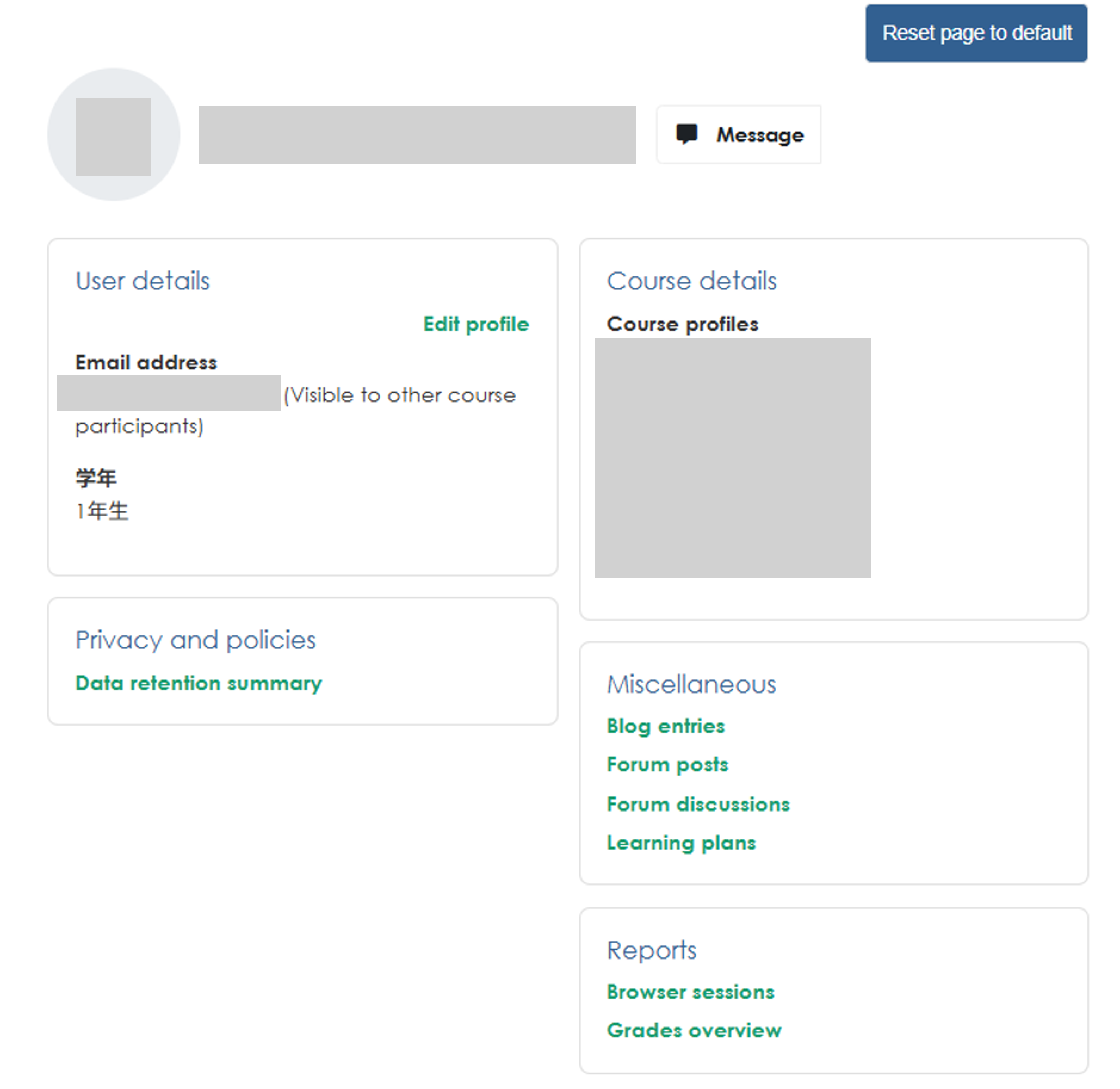
User Profile
This displays your profile. On this page, you can view your profile information and change your profile picture.
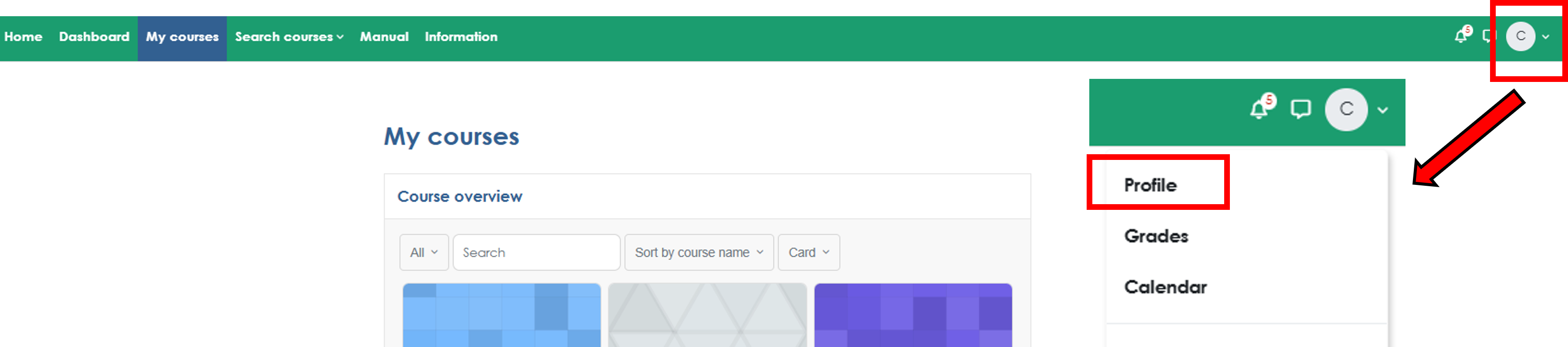
To view your user profile, log in, click the user icon in the upper-right corner of the page, and select "Profile"
Course Search
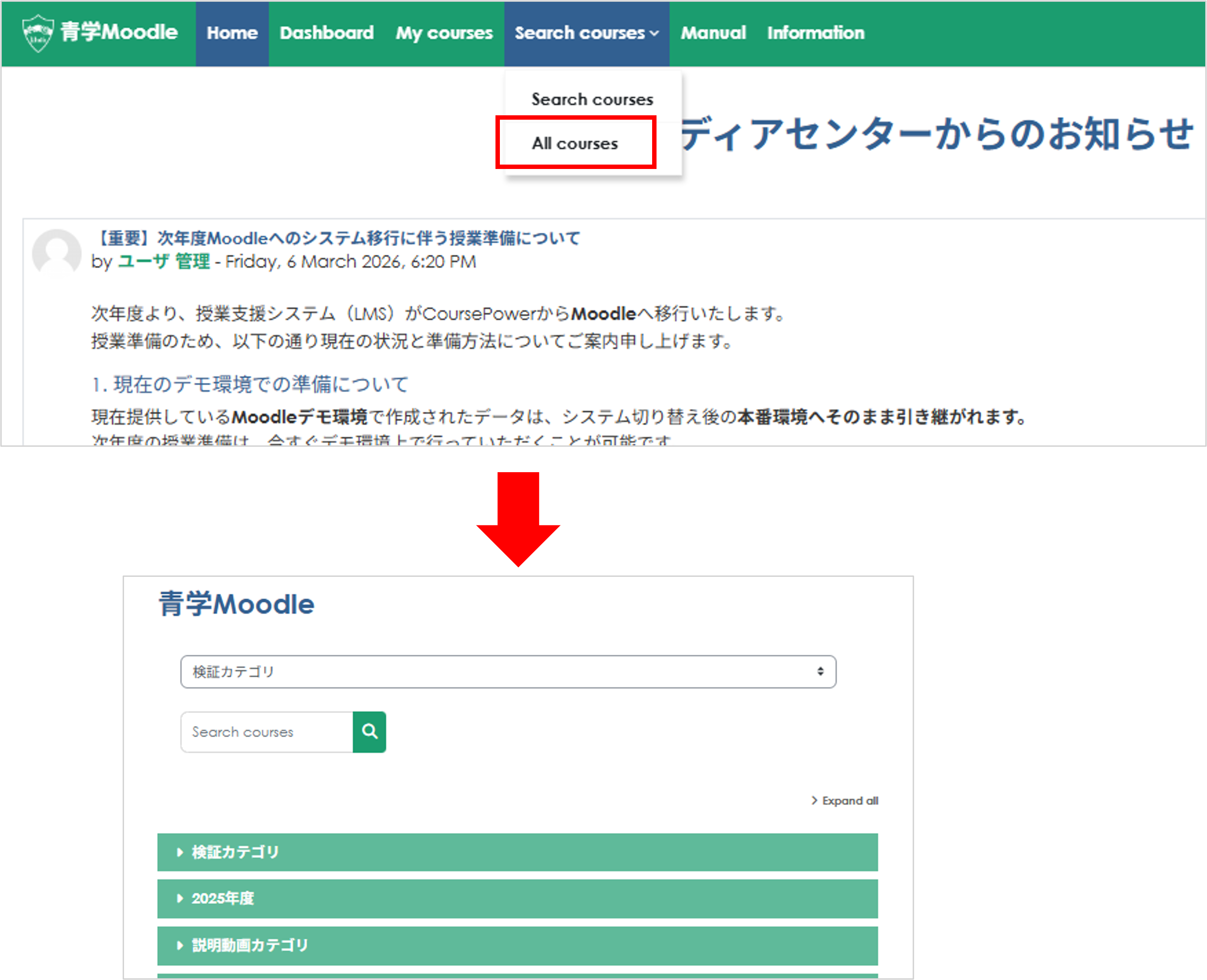
Click "All Courses" under "Course Search" at the top of the page to view all courses available on Moodle.